

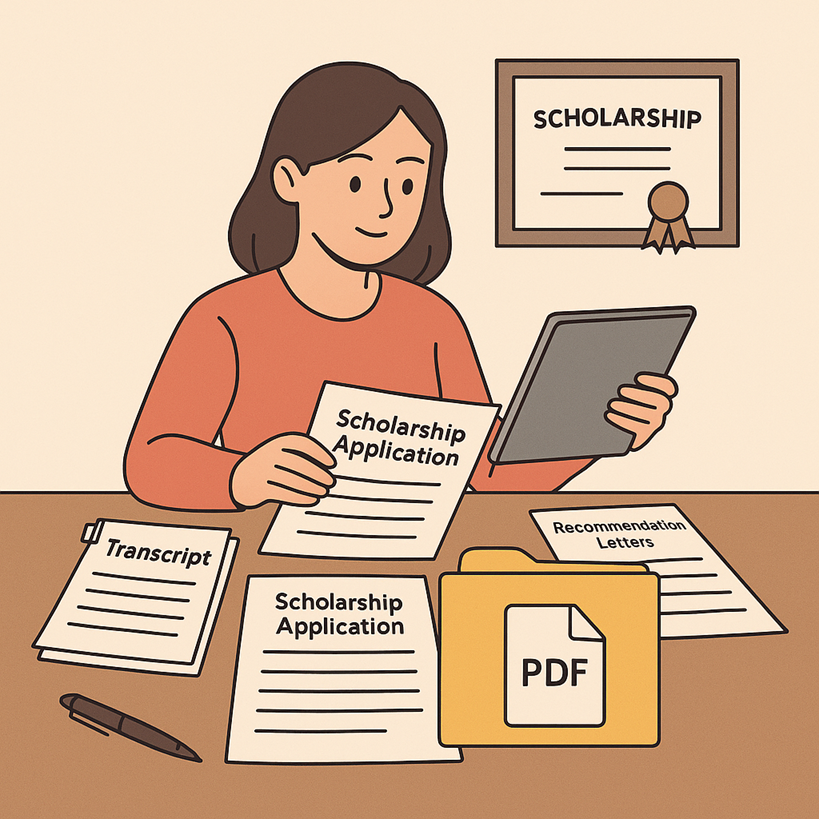
Winning a scholarship can change a student’s life, but many strong candidates lose opportunities because their application packages are incomplete, disorganized, or difficult for reviewers to read. Today, most scholarship programs accept or even require digital submissions, usually in PDF format. That means students need not only great grades and essays, but also a professional way to prepare and present their documents. Modern PDF tools, including platforms like PDFmigo.com, make it possible to create clean and efficient scholarship packages from multiple sources and file types.
Why Scholarship Committees Prefer Organized PDF Packages
Scholarship reviewers often evaluate hundreds or even thousands of applications in a short amount of time. They look for clear information, easy navigation, and a professional appearance. When a student submits scattered files with inconsistent names and formats, the reviewer must spend extra time hunting for documents. A well-structured PDF package, by contrast, allows them to see the applicant’s story in one place.
This is why many scholarship guidelines specifically request that students combine essays, recommendation letters, résumés, and supporting documents into a single PDF file. A unified package reduces the chance of missing documents and helps the committee focus on the content rather than the file management.
Key Components of a Scholarship Application PDF Package
While requirements vary by program, most scholarship applications include similar elements:
- Completed application form or cover sheet
- Personal statement or scholarship essay
- High school or college transcript
- Résumé or activity list
- Letters of recommendation
- Proof of enrollment or acceptance letter
- Financial information, if need-based
- Certificates, awards, or additional supporting documents
When these pieces arrive as separate files, students should convert them into PDFs and assemble them in a logical order, usually beginning with a cover page, followed by the application form, essay, transcript, and supporting materials.
Creating a Professional Structure Inside the PDF
Scholarship committees appreciate documents that flow naturally. A clear internal structure makes it easier to follow the applicant’s narrative—from academic performance and extracurricular involvement to personal challenges and goals. Students can design a simple cover page with their name, contact information, the name of the scholarship, and the date. After that, each section can begin on a new page with a short heading such as “Personal Statement,” “Transcript,” or “Letters of Recommendation.”
To avoid confusion, page numbers and consistent fonts are important. Even if different documents were originally created in various programs, exporting them to PDF helps standardize how they appear. Once everything is ready, students can use tools that allow them to merge PDF files so that all sections appear in one continuous document rather than a collection of attachments.
Managing Recommendation Letters and Third-Party Documents
Recommendation letters, test reports, and official forms often come from teachers, counselors, or institutions rather than the student. These documents may be delivered as image files, word processing documents, or separate PDFs. Students should convert all of them into PDF format to maintain consistency. If a recommender sends multiple short letters or updated versions, combining them into a single section inside the main package makes it easier for reviewers to see everything together.
Sometimes a letter or official report includes pages that are not relevant to the scholarship review, such as instructions or extra information for another office. Instead of forcing the committee to scroll through unnecessary pages, applicants can use tools that allow them to split PDF files and keep only the pages that matter. This keeps the package focused and respectful of the reviewer’s time.
Handling Scans, Photos, and Non-Digital Documents
Not every document starts out in digital form. Some schools still issue paper transcripts, and certain awards or certificates may exist only as physical copies. In these cases, scanning is essential. Students should scan at a resolution high enough to keep text readable—usually 300 DPI—and save the result as a PDF or convert image files into PDFs afterward.
It is important to check each scanned page before finalizing the package. Blurry text, shadows, or cropped sections can make information hard to read. If a scan includes a blank page or an accidental duplicate, students can remove it when they assemble the final PDF. Clean scans communicate professionalism and attention to detail, qualities that scholarship committees value.
File Naming and Technical Details That Matter
Even though the final goal is to deliver a single PDF package, file naming is still important during preparation. Clear names like “Lastname_Firstname_Scholarship_Package.pdf” help both the student and the organization keep track of the document. During the editing phase, temporary files can be stored in a dedicated folder to avoid overwriting older versions.
Students should also pay attention to file size. Some online portals limit uploads to a specific number of megabytes. Large images or high-resolution scans may need to be compressed. PDF tools often include options to reduce file size while preserving legibility. It is a good practice to test-open the final version on different devices to make sure everything loads quickly and looks correct.
Common Mistakes in Scholarship PDF Packages
Many otherwise strong applicants make avoidable mistakes in their PDF packages. These include:
- Submitting separate files instead of one combined document
- Including sideways or upside-down pages
- Leaving in blank or irrelevant pages from scans
- Using inconsistent fonts or unreadable handwriting images
- Forgetting key documents such as transcripts or proof of enrollment
Taking the time to review the entire PDF from beginning to end can prevent these issues. Reading the scholarship instructions again before submission ensures that the package matches the required order and includes every necessary component.
Why a Clean PDF Package Strengthens the Overall Application
A scholarship committee’s first impression of an application often comes from the way it is organized. A polished PDF suggests that the student is serious, responsible, and respectful of the reviewer’s workload. It also allows the committee to focus on the content of essays, achievements, and financial need rather than wrestling with technical problems.
In a competitive selection process, those small details can be decisive. When every candidate has strong grades and meaningful activities, clear communication and professional presentation become powerful differentiators. A well-prepared PDF package shows that the student is ready to handle the administrative and organizational responsibilities that often accompany scholarship awards and future academic opportunities.
Conclusion
Preparing a scholarship application is about more than writing a compelling essay or gathering impressive achievements. It is also about presenting those materials in a format that scholarship committees can read, navigate, and evaluate efficiently. By converting documents to PDF, organizing them in a logical order, and using tools that help them merge PDF and split PDF where needed, students can create professional application packages that stand out for the right reasons. A clear, well-structured PDF not only reflects the applicant’s organization skills but also allows reviewers to see the full story behind the scholarship candidate.